
Searching Cases by Name
The North Carolina eCourts Portal is the statewide public gateway for current eCourts case records. No account is needed to search public records. Type the exact party spelling first. Then apply Location and a filing-date range where the system offers those filters. One name can pull up more than one person or case. Verify any hit before calling it the right Bladen record.
Portal's Smart Search supports party criteria such as name and date of birth. It also offers case type, case status, and filing-date filters. The record categories cover civil actions, nonconfidential special proceedings, estates, and criminal actions. The official materials do not call every listed field mandatory in the live form. Treat no field as a required Bladen step. Let Portal say so when you use it.
- Open Portal and choose the record category that fits the Bladen matter.
- Enter the exact party name and set Location to Bladen when that filter is offered.
- Add a filing-date range, case type, or case status to reduce unrelated matches.
- Open the candidate Case Summary and compare the parties, case number, location, status, events, and hearings.
- Use the Bladen clerk for an official copy or for a result that needs further confirmation.
| Field label | Type | Required status | Verified use |
|---|---|---|---|
| Record category | Category selection | Not stated | Civil Actions, nonconfidential Special Proceedings, Estates, and Criminal Actions. |
| Location | Filter | Not stated | Narrows court location to Bladen where offered. |
| Party Name | Text criteria | Not stated | Compare matches with other Bladen identifiers. |
| Case Type and Status | Filters | Not stated | Helps narrow a case-search result. |
| Filing-Date Range | Date range | Not stated | Use a known period to limit a broad result. |
Bladen Case Search Portal Resources
Portal layers public and registered access over the statewide court system. The official training page separates anonymous public access from account features such as My Cases. It also lists elevated access that needs statutory authorization. Registering does not enlarge the public pool. So when a Bladen search comes back empty, or a detailed field stays hidden, an account is not a way around a record restriction. The court's own Portal training and resources page explains Smart Search, hearings, judgment search, payments, and each access level.
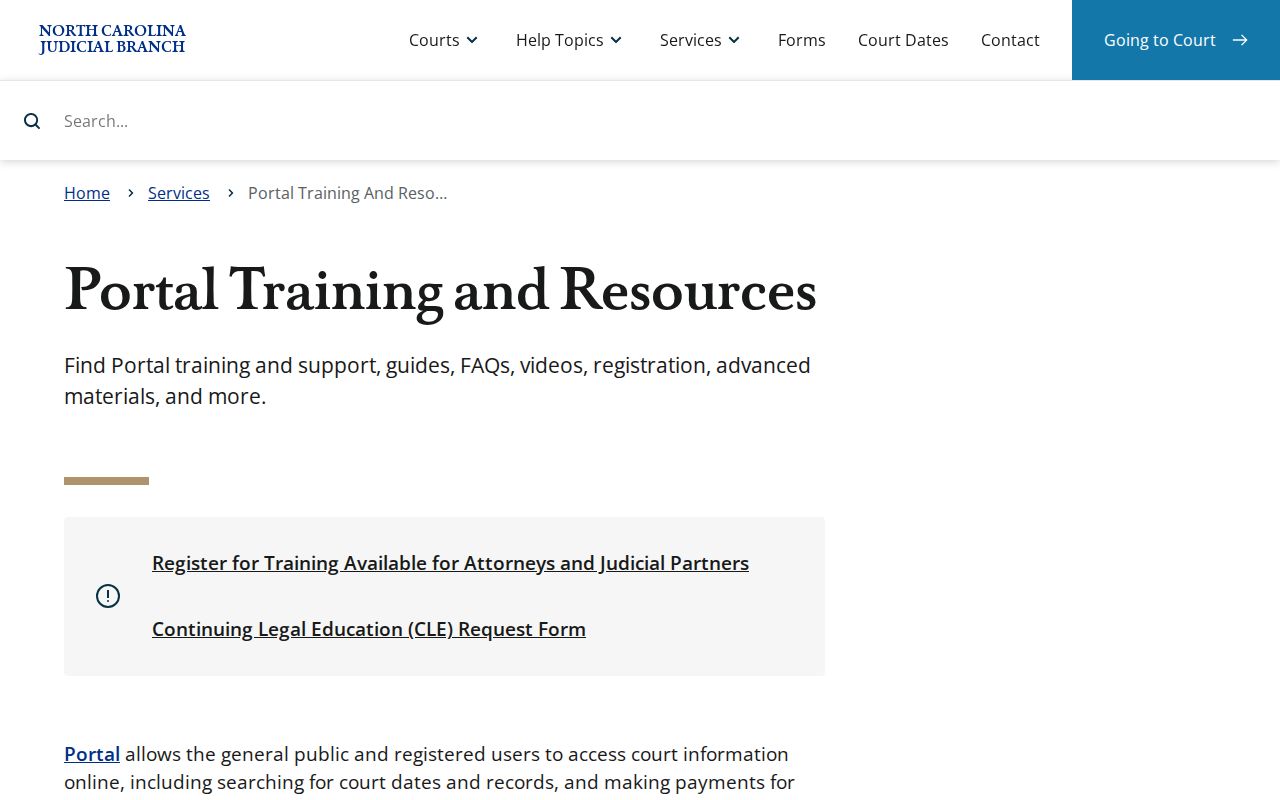
Put it together as a careful Bladen workflow. Search a public record, read the Bladen Case Summary, then contact the Bladen clerk when you need official proof or an access answer.
Searching by Case Number
An issued case number is the sharpest identifier for a Bladen case search. Enter it exactly as it appears. Check the Bladen court notice, citation, filing, or a prior Bladen Case Summary. There is no universal Bladen case-number format. Never rebuild one from a year, court type, or an assumed county code. A visible identifier such as exact issued case number beats a guessed pattern every time.
When the number returns a result, compare the Bladen court location, parties, filing information, case status, events, and next hearing. A number can still point to a matter with restricted documents or thin public detail. If nothing comes back, save the exact value. Ask the Bladen clerk whether the trouble is a pre-eCourts record, a different Bladen location, a restricted category, or an indexing problem.
Bladen Case Search Locations
Location is one of the documented Portal filters. Choose Bladen where the live search offers it. Then read the returned court location before relying on any Case Summary. A city name is no substitute for the Bladen trial-court location. The court system runs no separate municipal court docket for Elizabethtown, Bladenboro, White Lake, Clarkton, or East Arcadia. Bladen District Court and Bladen Superior Court sit within the statewide Judicial Branch. The Bladen location filter does more work than a municipal label ever will.
Bladen Case Search Wildcards
Portal's published wildcard rules help when an exact spelling fails. Still, they are a narrow search tool, not an identity test. Case numbers, business names, and nicknames need at least four characters plus an asterisk. A surname needs at least three surname characters plus an asterisk. A first-name search needs at least one character plus an asterisk.
Check any broader Bladen result against the case number. Check the Bladen court location and the other case details too. A partial-name match never proves the record belongs to a particular person. If the official search still will not identify the case, stop widening it. Move to the Bladen clerk route instead.
Quick answer: Use an exact case number first. Use a documented wildcard only when a spelling is uncertain, then verify the returned Bladen Case Summary before relying on it.
What a Case Search Returns
A Bladen result opens onto the detailed Portal Case Summary, also called a Register of Actions. The official resource describes case information, assignment information, parties, causes of action where applicable, events, dispositions, hearings, and financial information. Law and access level control what you can see. Portal results are informational only. They are not the official record.
| Case number | The issued identifier used to distinguish the Bladen matter from another similar result. |
|---|---|
| Parties and case type | Core information that helps verify the record category and match. |
| Case status and filing details | Current status and procedural information shown when public access allows it. |
| Assignments and events | Case-management and procedural entries in the Register of Actions. |
| Hearings | Scheduled activity that should be confirmed when a date has practical importance. |
| Disposition and financial fields | Available outcome and applicable financial information, subject to access rules. |
Bladen Case Search Hearings
Portal Hearing Search answers the simplest Bladen question: what is set on a given day, or in a given courtroom? The official guide asks for three things. Pick a search type. Enter the Bladen criteria that matches it, such as a party or case number. Then set a date from and date to, keeping the range narrow. Read the hearing information alongside the Case Summary.
Schedules shift, though. Bladen's administrative calendars are tied to specific dates. The clerk or your counsel remains the last word on any court date that matters.
Bladen Case Search Result Checks
A search result earns its value only when you read its fields side by side. That Bladen name hit means little until you check the fields. Check the case number, the court location, the parties, the status, the listed events, the disposition, and any upcoming hearing. And if your real question is about a hearing, a second step may be needed. A case event and a courtroom schedule are different records that answer different questions.
The hearing-search guide needs a few things. It takes a Search Type, a matching Search by Criteria value, and a date range. Documented Search Type options include Courtroom, Case Number, Party Name, Business Name, Attorney Name, Attorney Bar Number, and Judicial Officer. Keep the Bladen date range tight. For any setting with real consequences, confirm with the Bladen clerk or counsel.
Note: A dated local calendar is context only. Court staff control the operative Bladen schedule, and later updates can change it.
Statewide vs County Case Search
Bladen County runs no separate county-operated public docket portal of its own. Portal fills that role statewide. For an official, historic, certified, or access-limited Bladen record, the better route is the Clerk of Superior Court and the public-access terminal at the courthouse. Think of the channels as layers that work together, not as rival databases.
| North Carolina eCourts Portal | Bladen clerk and terminal |
|---|---|
| Statewide public gateway for current eCourts information. | County route for viewing public information and asking about the case file. |
| Smart Search and Case Summary support online discovery. | Public terminal and counter support local follow-up. |
| Informational result, subject to access level and public availability. | Source for an official copy or certification when the record is releasable. |
| Best first check for a current Bladen case. | Best fallback for historic, incomplete, certified, or restricted records. |
The Bladen courthouse sits at 166 E. Broad Street, Elizabethtown, and the main court number is (910) 872-7200. Published hours run Monday through Friday, 8:30 a.m. to 5:00 p.m. A quick call to the Bladen clerk about terminal and counter details can save a long trip.
Bladen Case Search After 2025
Bladen joined eCourts in Track 7 on February 3, 2025. Behind the scenes sits Enterprise Justice, often called Odyssey, the case-management environment. Portal is the search and access layer on top. File & Serve is the separate filing and service product. That transition means a Bladen case history may cross a paper-to-electronic boundary. Portal is the sensible first search. But it does not prove that every earlier item has been digitized for remote viewing.
The Track 7 go-live announcement identifies Bladen's February 3, 2025 eCourts launch.
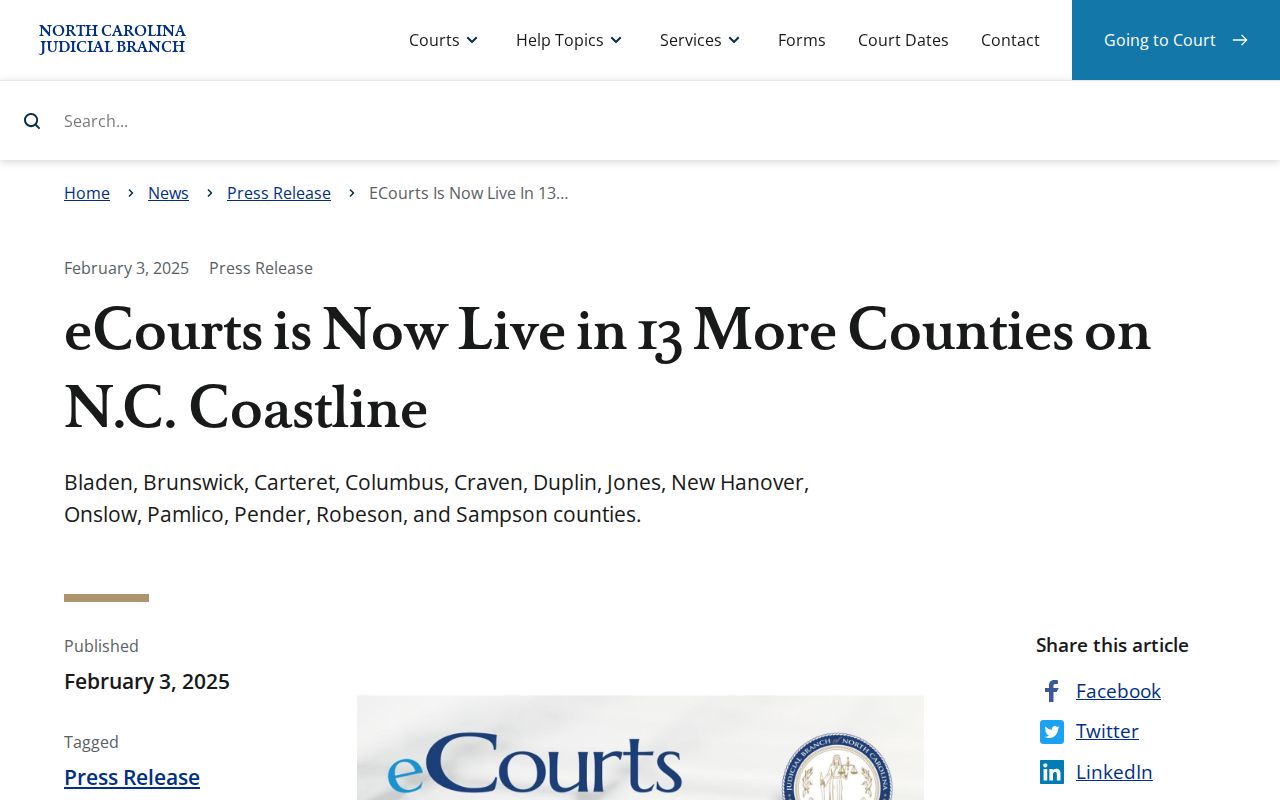
Working with a Bladen case older than the conversion, or a Portal result that looks thin? Start at the Bladen clerk terminal. For genuinely historical records, the State Archives route comes next.
Bladen Case Search and eFiling
File & Serve handles eFiling and service inside the eCourts environment. It is not a public case-search database. After go-live, attorneys filing in Track 7 counties were required to eFile. That rule was subject to court rules and exceptions. Someone chasing a Bladen docket should use Portal or the Bladen clerk. Do not assume a filing account doubles as a public Bladen Case Summary.
File & Serve is the official eFiling destination.
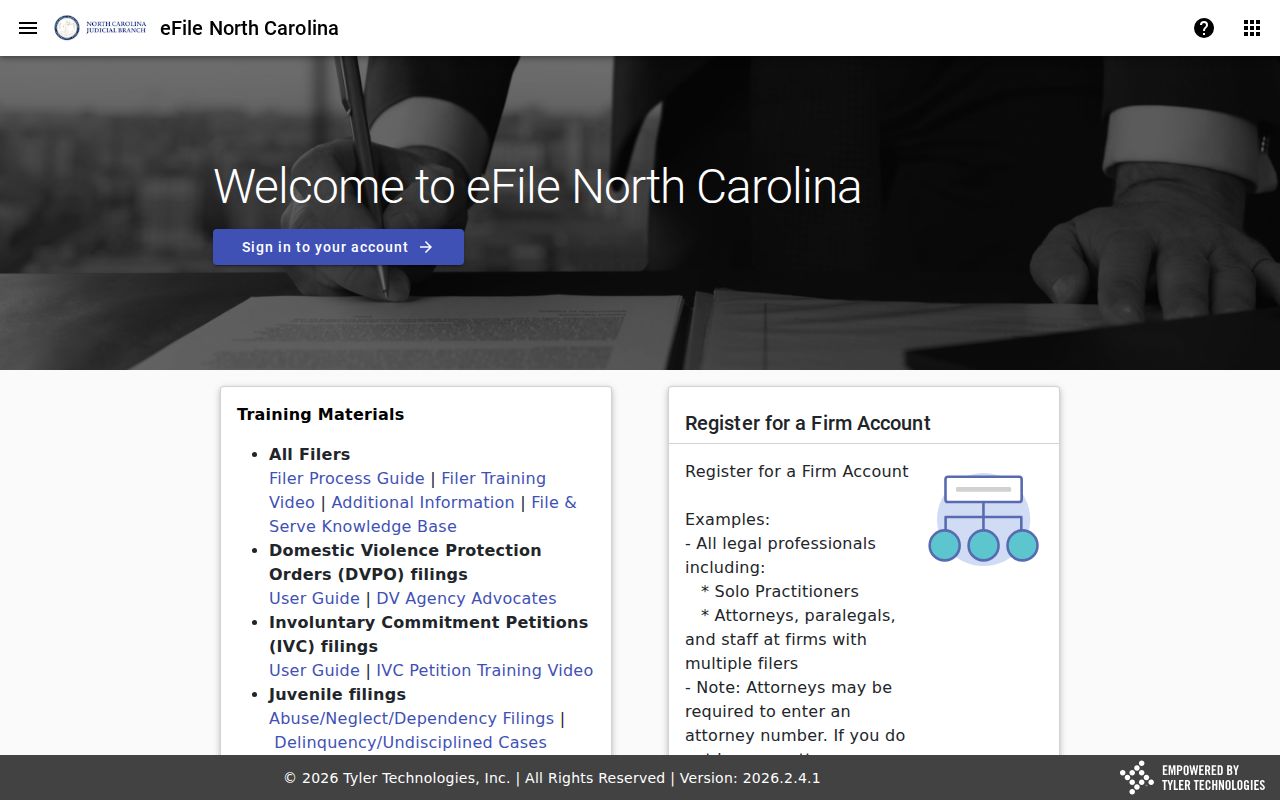
The separate filing screen makes the boundary plain. eFiling manages submissions; a Bladen case search still starts with Portal and local clerk access.
Access and Restricted Cases
A Bladen case search reaches public records, not every Bladen court file. The Bladen clerk keeps court records, files, dockets, and indexes open for public inspection during regular office hours. A law can restrict them. When a case does not appear online, the reasons vary. It could be confidentiality, sealing, expunction, juvenile status, a legacy record, or simply a different search filter. Treat an online absence as a gap, never as proof about whether a case exists.
Expunged records the Bladen clerk retains stay confidential under G.S. 15A-151. Juvenile records are withheld from public inspection except through the statute's limited access or court-order pathways under G.S. 7B-3000. Ask the Bladen clerk which access rule governs the record you want. A public Bladen case number does not make every filing, exhibit, or recording public.